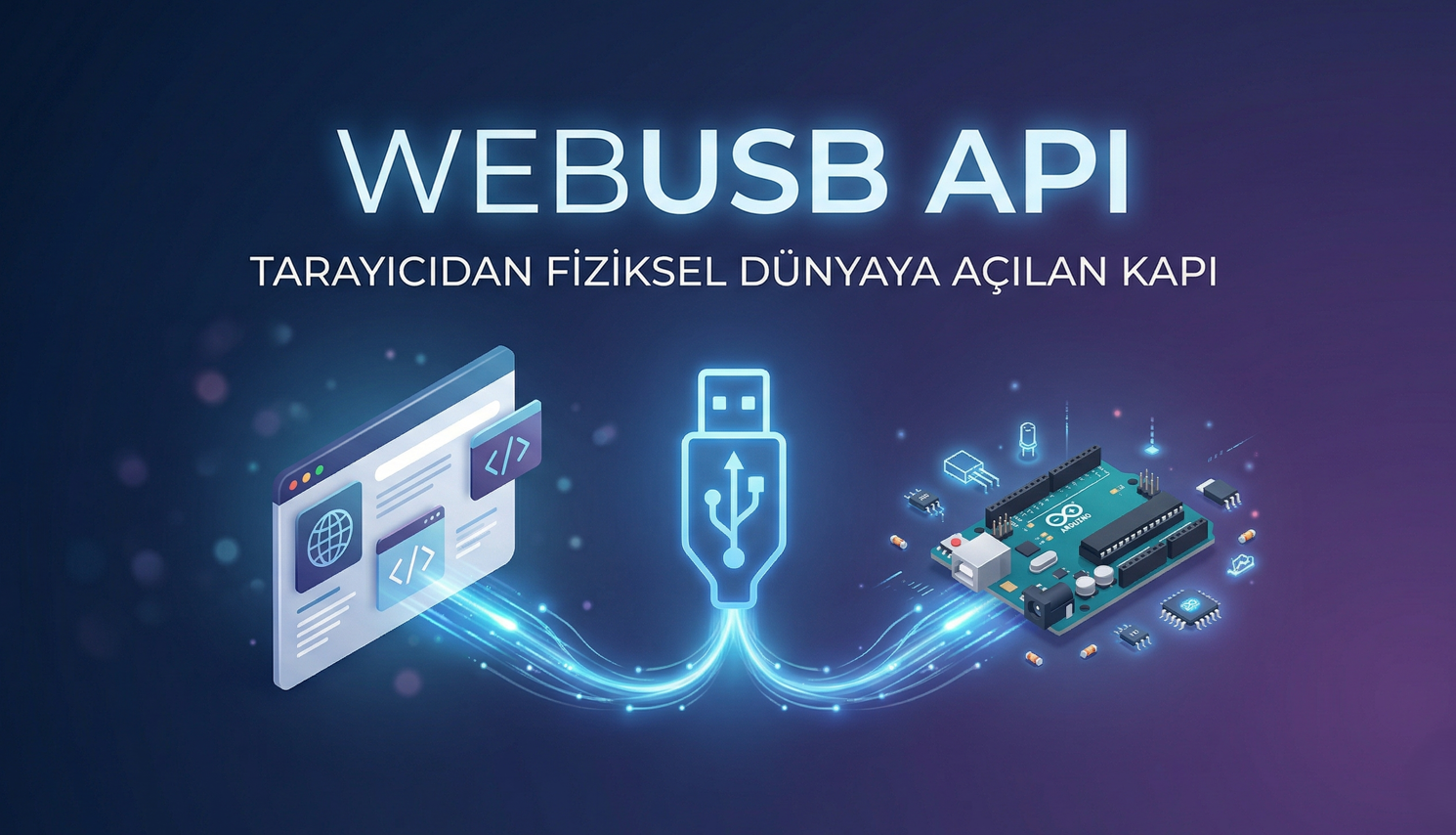
What is the WebUSB API? The Gateway from the Browser to the Physical World
Greetings! Today we're exploring a revolutionary technology that frees our web projects from being limited to the screen, connecting them to the physical world: the WebUSB API.
Previously, it was almost impossible for a web page to communicate with hardware connected to your computer (for example, an Arduino or a special sensor). We always had to use special drivers, local software, or complex "bridge" applications. WebUSB removes all these obstacles, giving our browser the ability to directly communicate with USB devices.
Let's delve into how this technology works and why it's so important.
1. What Exactly is the WebUSB API?
The WebUSB API is a browser protocol that allows web applications to communicate securely and standardly with USB devices. Modern browsers (Chrome, Edge, Opera) can access connected hardware via the navigator.usb object thanks to this API.
The main goal of this technology is to eliminate the need for hardware manufacturers to write separate drivers for each operating system (Windows, macOS, Linux). When you write a web page, you can communicate with your hardware on any platform that supports USB.
2. Why Do We Need It? (Ending the Driver Nightmare)
Hardware developers know that getting a device to the user is half the battle; the other half is getting that device to "work" on the user's computer.
- Platform Independence: With WebUSB, the control panel you write works on both Windows and Linux without installing drivers.
- Easy Updates: Because the software controlling the device is on the web, when you fix a bug, the user doesn't need to download a new
.exe; they just need to refresh the page. - Plug-and-Play Experience: The user simply plugs in the device, goes to the website, and clicks the "Connect" button. It's that simple.
3. Technical Working Logic and Steps
The process of a web page communicating with a USB device goes through the following technical steps:
- Device Request (
requestDevice): For security reasons, the browser can never secretly access devices. The user clicks a button and a list opens. - Connecting (
open): A session is initiated with the selected device. - Configuration (
selectConfiguration): The operating mode of the device is determined. - Interface Claim (
claimInterface): Control of the device is taken over by the web page. - Data Transfer: Communication begins with the
transferIn(receive data) andtransferOut(send data) methods.

4. Security: Is Everything Under Control?
You might be asking, "Could a malicious site read everything on my USB drive?" The answer is: No. WebUSB has very strict security rules:
- HTTPS Requirement: It only works on secure connections.
- User Interaction: The "device selection" screen cannot open without a user pressing a button.
- Restricted Devices: Access to critical devices already used by the operating system, such as mice, keyboards, or external hard drives, is blocked via WebUSB.
5. Use Cases: What Can Be Done?
The potential of WebUSB is truly limitless:
- Education: Robotics kits and Arduino boards that can be programmed via the web.
- Hardware Updates: Performing firmware (software) updates directly through the browser.
- Healthcare: Direct transmission of blood pressure or glucose meter data to a doctor.
- Industry: Managing custom-made CNC or 3D printers via web panels.
6. A Simple Code Example
For those wondering how to connect to a USB device, the most basic JavaScript structure is as follows:
// Runs when the user presses the button
async function connect() {
try {
const device = await navigator.usb.requestDevice({ filters: [] });
await device.open();
await device.selectConfiguration(1);
await device.claimInterface(0);

console.log("Connection successful: " + device.productName);
} catch (err) {
console.error("An error occurred: " + err);
}
}
Conclusion
The WebUSB API transforms the browser from just a "content viewer" into a powerful "operating system" layer that manages physical devices. This technology is an invaluable tool for any developer who wants to get rid of driver clutter and bring hardware projects to a wider audience.
Bu Yazıyı Beğendiniz Mi?
Yazara destek olmak için karta dokunun
Comments
0